Useful links:
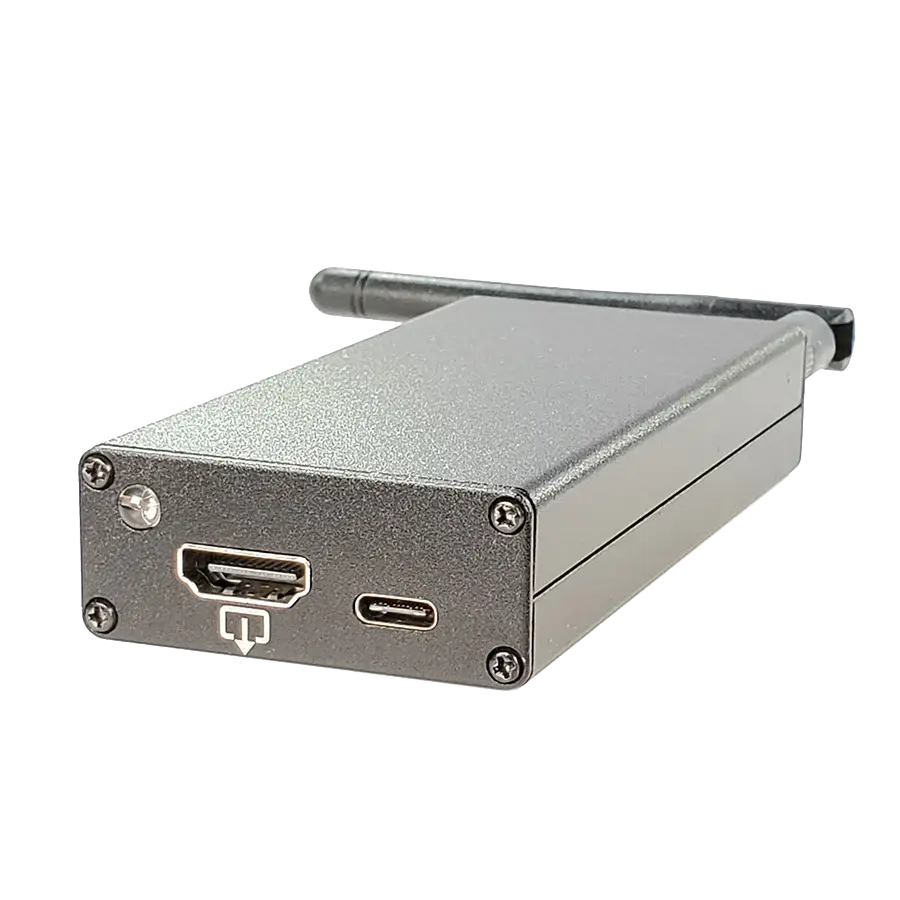
The Screen Crab is a video man-in-the-middle (MITM) implant that inserts invisibly between an HDMI source (computer, console, media player) and its display. The target system does not detect the device: it sees it as a normal HDMI display, with no visible EDID modifications or USB device presence. Capture is passive via a built-in signal splitter, so it introduces no lag or interruptions to the monitor's picture. By default it captures screenshots at configurable intervals (5 seconds out of the box) and saves them to a MicroSD card. It also records full-motion video in MPEG4 format at 2, 4 or 16 Mbps depending on quality setting. Storage rotation mode overwrites the oldest files to allow extended deployments without running out of space. Supports HDMI 1.4/DVI 1.0 up to 1080p, with automatic scaling for higher or lower resolutions. Does not capture HDCP-protected content (DRM). Built-in 2.4 GHz WiFi (RP-SMA dipole antenna included) to connect with Hak5 Cloud C2 and view captures in real time from a browser, download images or manage the device remotely. Full configuration by editing a text file on the MicroSD. RGB LED indicates status at all times, disableable for additional stealth. Dimensions: 105 x 51 x 21 mm, USB 5V 1A power.
Main features:
- Passive inline HDMI capture: no lag, no signal interruption
- Screenshots at configurable intervals (default: 5 seconds)
- MPEG4 video recording at 2, 4 or 16 Mbps
- HDMI 1.4/DVI 1.0, up to 1080p with automatic scaling
- Does not capture HDCP-protected content
- Storage rotation: overwrites oldest files for long deployments
- SDXC large-capacity card support
- 2.4 GHz WiFi with RP-SMA dipole antenna for remote exfiltration
- Cloud C2 compatible: real-time streaming, download and remote management
- RGB status LED, disableable for stealth
- Text-file configuration on MicroSD
- 105 x 51 x 21 mm, USB 5V 1A power
Related Products
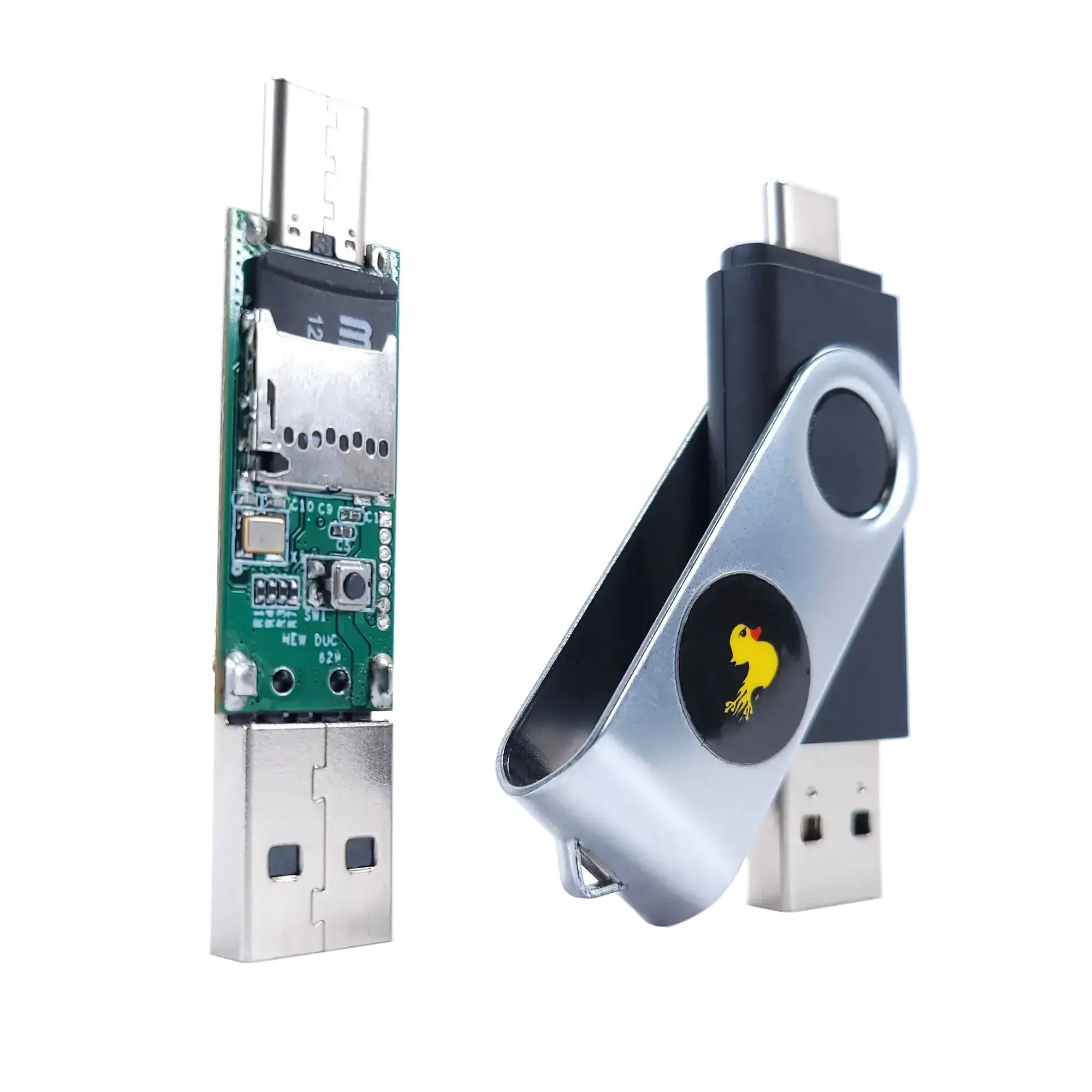
Rubber Ducky
Keystroke injection tool with USB-A/C connector, MicroSD storage and DuckyScript 3.0. The device that invented the HID attack.
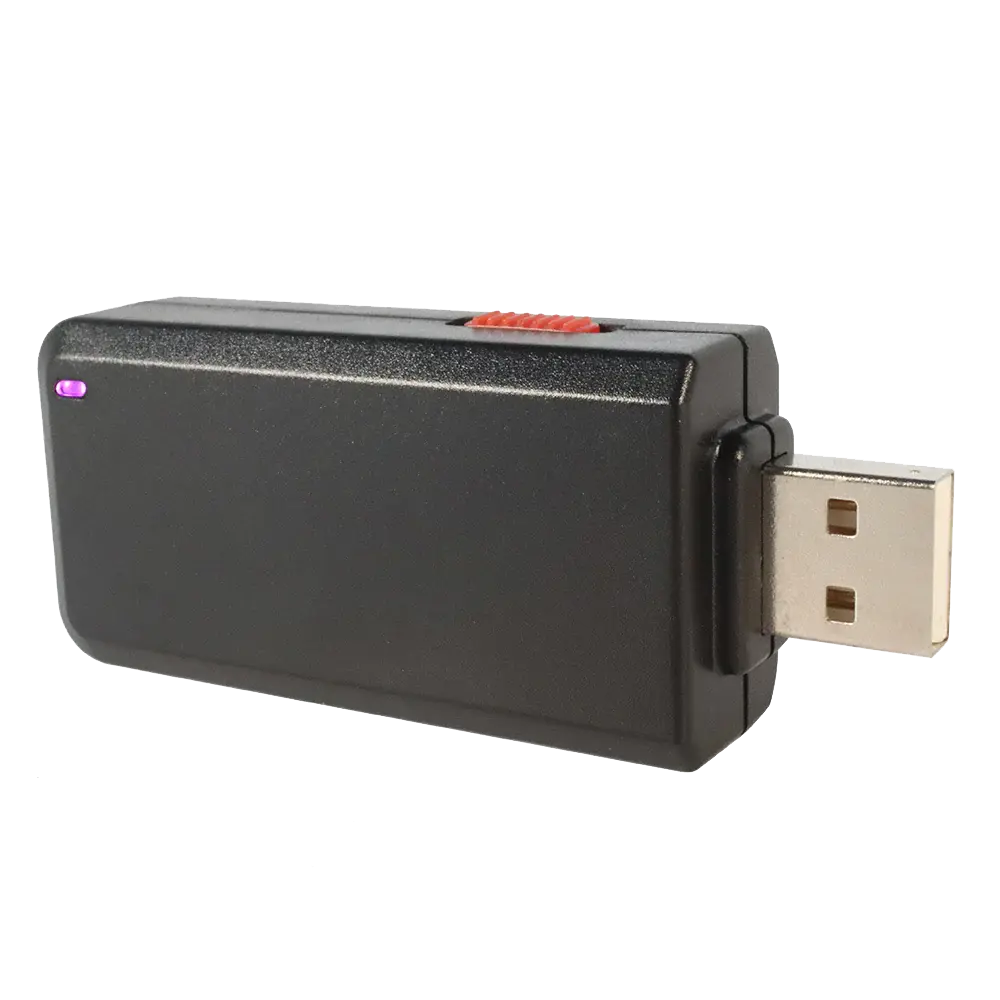
Bash Bunny Mark II
Multi-mode USB platform with embedded Linux, 3-position physical switch and simultaneous HID+Ethernet emulation.
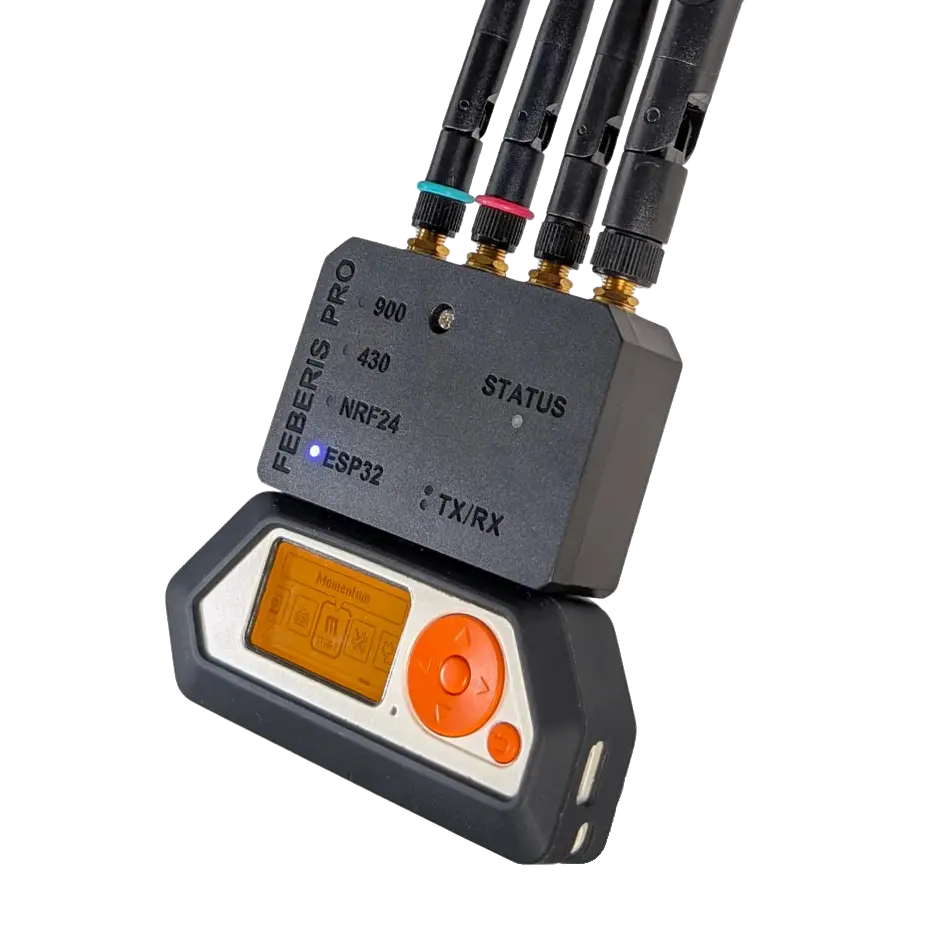
Feberis Pro
GPIO expansion module for the Flipper Zero with 4 built-in radios: dual CC1101 (433/868 MHz), NRF24 (2.4 GHz), ESP32 WiFi and GPS.