Don't pay for a hosting you don't use.
Maybe... Setting up an online store shouldn't start with hiring a server that sits there 24/7 charging you, whether the store is open or not. It's like paying rent for a commercial space you only open on weekends.
Serverless means not needing a server, that is, paying only when someone visits your store. If nobody shows up for a month you pay nothing, and if a thousand people come in you pay for those thousand visits. The store turns on when someone arrives and shuts down when they leave.
At Hackeed we've built a template to make it easier to create an online store based on this concept.
See the template demo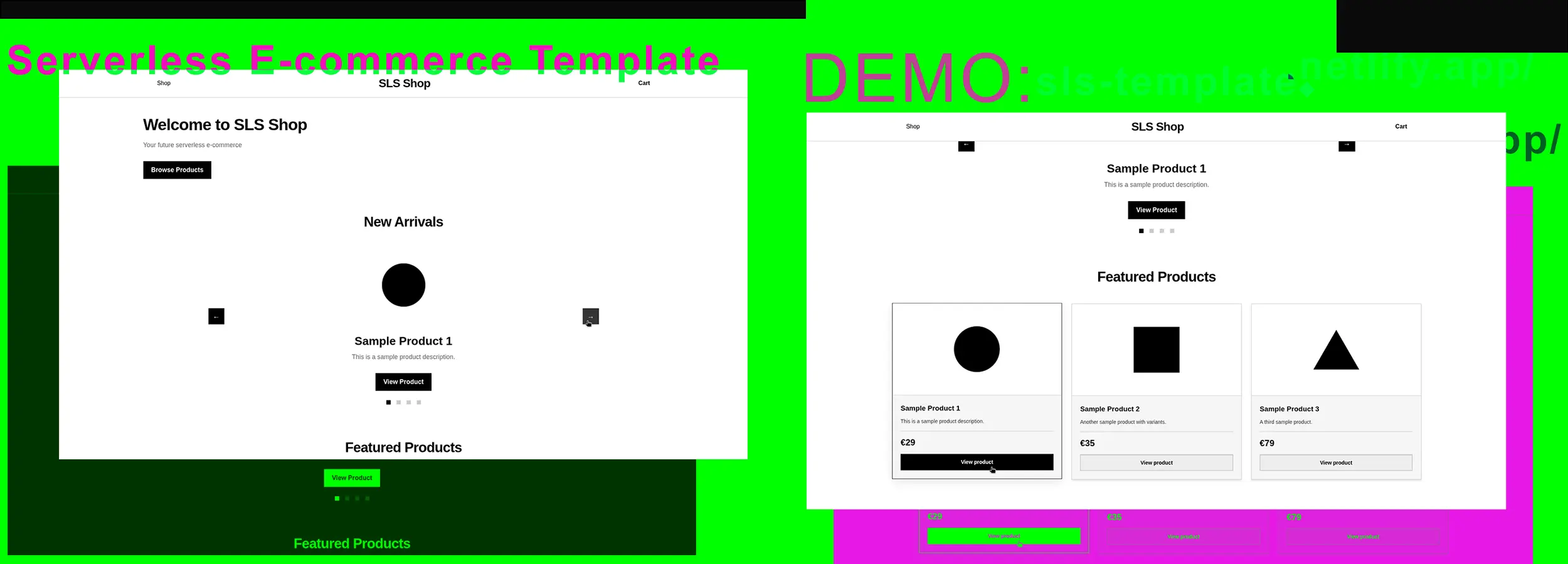
Built with
- Vite for compiling.
- Vue for the interface (with Pinia for state management).
- Netlify for serverless functions and deployment.
- Neon for database (PostgreSQL). Charges you per usage (CU, Compute Units). With low traffic you pay nothing, and if you have a lot you're probably selling and can afford it.
- Stripe for payments.
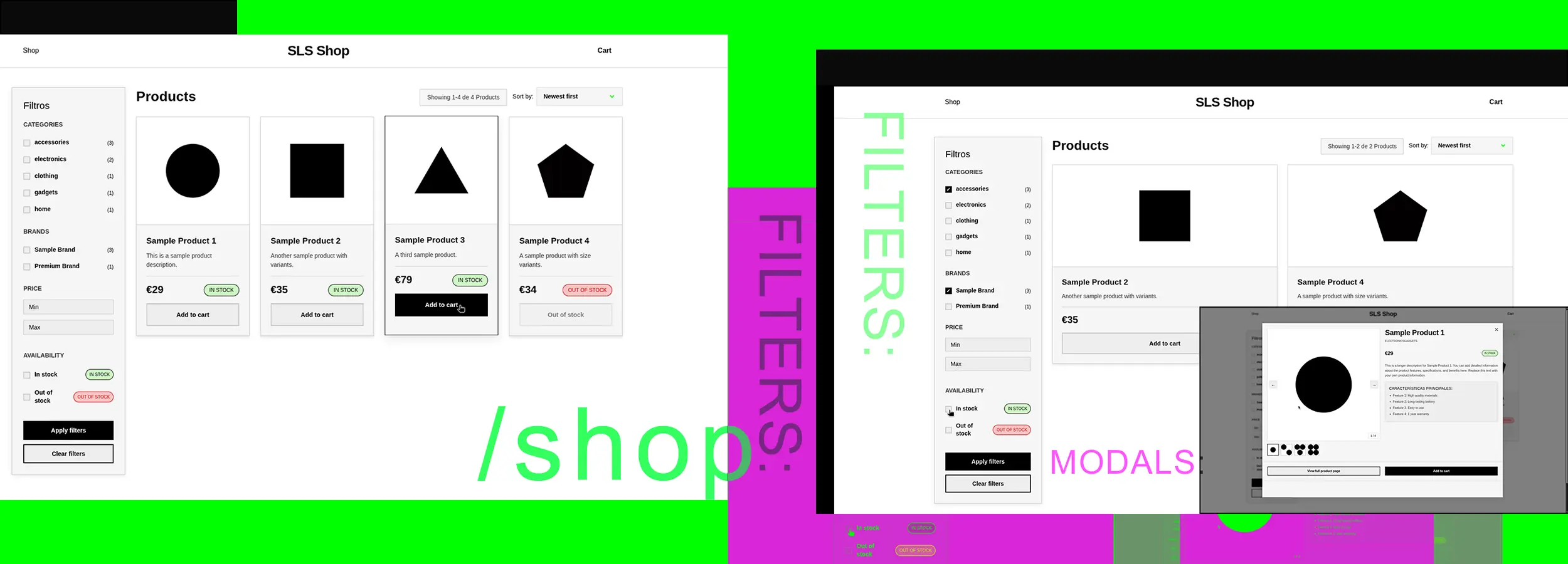
But build it with whatever you want. If you're technically inclined, change anything you're not happy with. The template is there so you get the concept and then build it your own way.
Why not just use Shopify?
Shopify or PrestaShop work like a charm. If you have budget and want to start selling tomorrow, don't overthink it. The template is for people who'd rather understand how their store works, keep all their data at hand and pay less commission per sale.
It isn't perfect either, because it still runs on third-party infrastructure (Netlify, Neon, Stripe) and you depend on them. What you gain is no fixed costs and being able to touch all of the code.
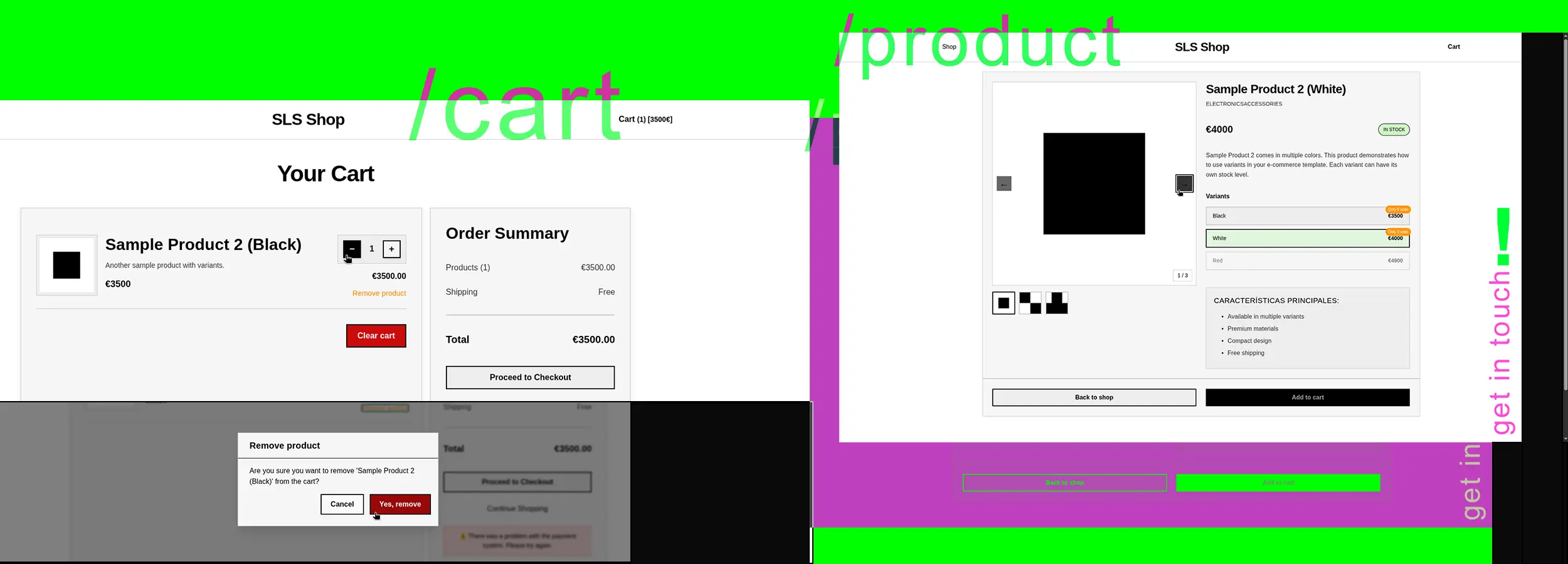
You can go further and host everything on your own server, plug in your favorite content manager or swap the database for JSON files. The code is there (Github). Do whatever you want with it.
The end
None of this is revolutionary, but if you're starting out and don't want to pay for a server you'll barely use, it might work for you.
If you have any questions, we'd be happy for you to contact us and try to solve any problem that comes up.