A recycled SSD, a Raspberry Pi and a website on the internet without touching the router.
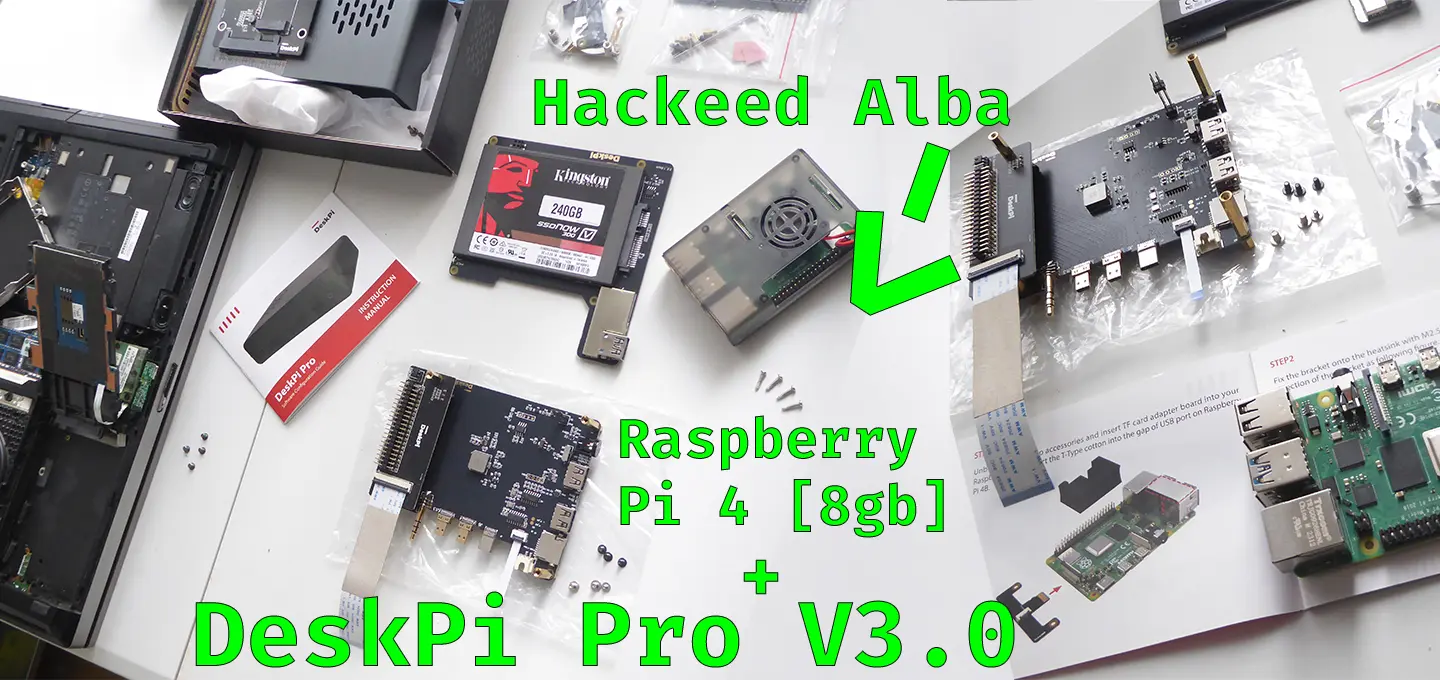
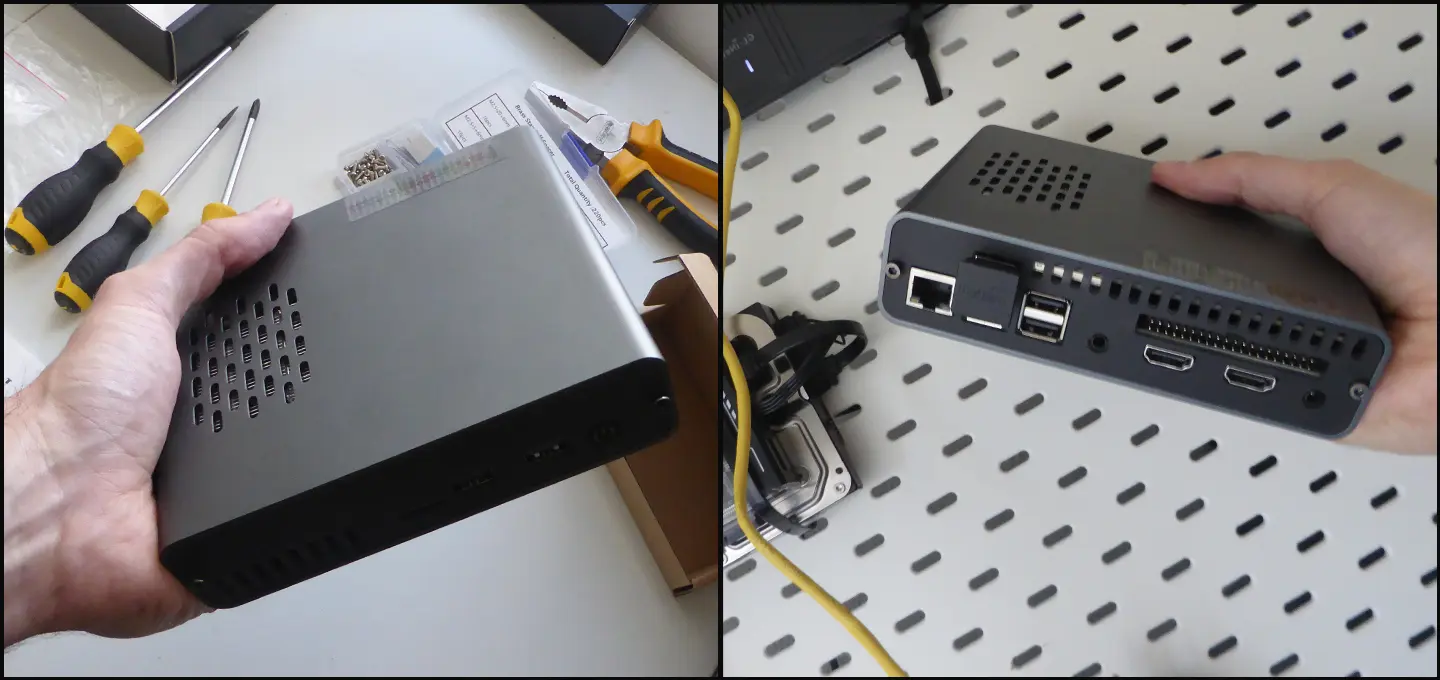
The machine is a Raspberry Pi 4 8GB, inside a DeskPi Pro V3 from 52Pi case, running Debian with no desktop environment. The disk is an SSD I salvaged from an old laptop I no longer used (the same one from Post 2). It started out as an observability node (for the whole homelab) and over time it also began serving to the internet.
Serving a website from home has one big obstacle: having to open a port on your router and expose your IP to the entire internet. It's the part that inspires most caution, and rightly so, but there is a solution.
Built with
- Nginx as the web server: it receives the browser's request and returns the files.
- Cloudflare Tunnel (the binary is called cloudflared) to publish without opening ports.
Installation
As you probably know, Nginx ships straight from the Debian repositories:
sudo apt update
sudo apt install nginx
With cloudflared there's an extra step: it isn't in the official Debian repos, so you need to add Cloudflare's own repo and then install it like any other package:
sudo mkdir -p --mode=0755 /usr/share/keyrings
curl -fsSL https://pkg.cloudflare.com/cloudflare-main.gpg \
  | sudo tee /usr/share/keyrings/cloudflare-main.gpg >/dev/null

echo "deb [signed-by=/usr/share/keyrings/cloudflare-main.gpg] \
https://pkg.cloudflare.com/cloudflared $(lsb_release -cs) main" \
  | sudo tee /etc/apt/sources.list.d/cloudflared.list

sudo apt update
sudo apt install cloudflared
And that's it. Both services end up managed by systemd (systemctl status nginx, systemctl status cloudflared) and start on their own when the Raspberry reboots.
Nginx + Cloudflare Tunnel
Cloudflare Tunnel avoids the open port in a simple way: instead of waiting for incoming connections, the Raspberry opens an outbound connection to Cloudflare and keeps it alive. When someone visits the site, the request hits Cloudflare and Cloudflare forwards it back through that tunnel. The router still has no open port. No door to knock on.
A basic setup is ultra simple and that's the point. An nginx block:
server {
    listen 8080;
    server_name yourdomain.com;

    root /var/www/yoursite;
    index index.html;

    location / {
        try_files $uri $uri/ =404;
    }
}
Nginx listens on plain HTTP because Cloudflare handles the encryption on the public leg. And the tunnel pointing at that port:
tunnel: <tunnel-id>
credentials-file: /etc/cloudflared/<tunnel-id>.json

ingress:
- hostname: yourdomain.com
    service: http://localhost:8080
- service: http_status:404
No certificates to renew by hand, no NAT to worry about, nothing to open. From chaos...
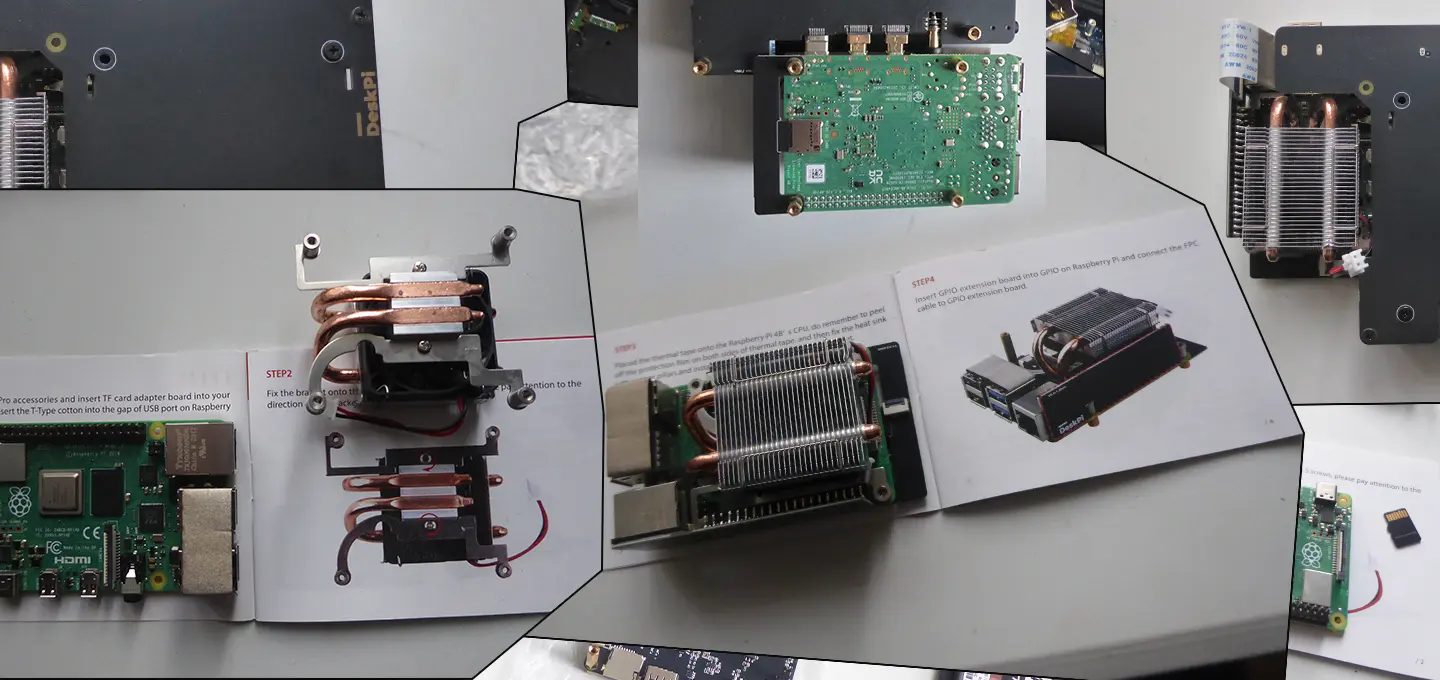
...to order, but however you want it. Question every part, swap what you don't like. The idea isn't to copy this line by line, but to understand the concept.
What this system currently serves to the internet
Behind that nginx runs meowrawr.org, a wiki about felines. How it's built under the hood (static generation with 11ty, where the data for each species comes from) is documented on its project page.
The end
You don't need to pay for hosting or expose your IP to have something of your own on the internet. With a Raspberry Pi you already have at home and a free afternoon, this can be replicated.
If you have any questions, we'd be happy for you to contact us and try to solve any problem that comes up.